
Strength to Tug of War How to Redeem Codes
Redeem promo codes safely on the official Tough Guy Studio experience when they are released.
Before you redeem anything
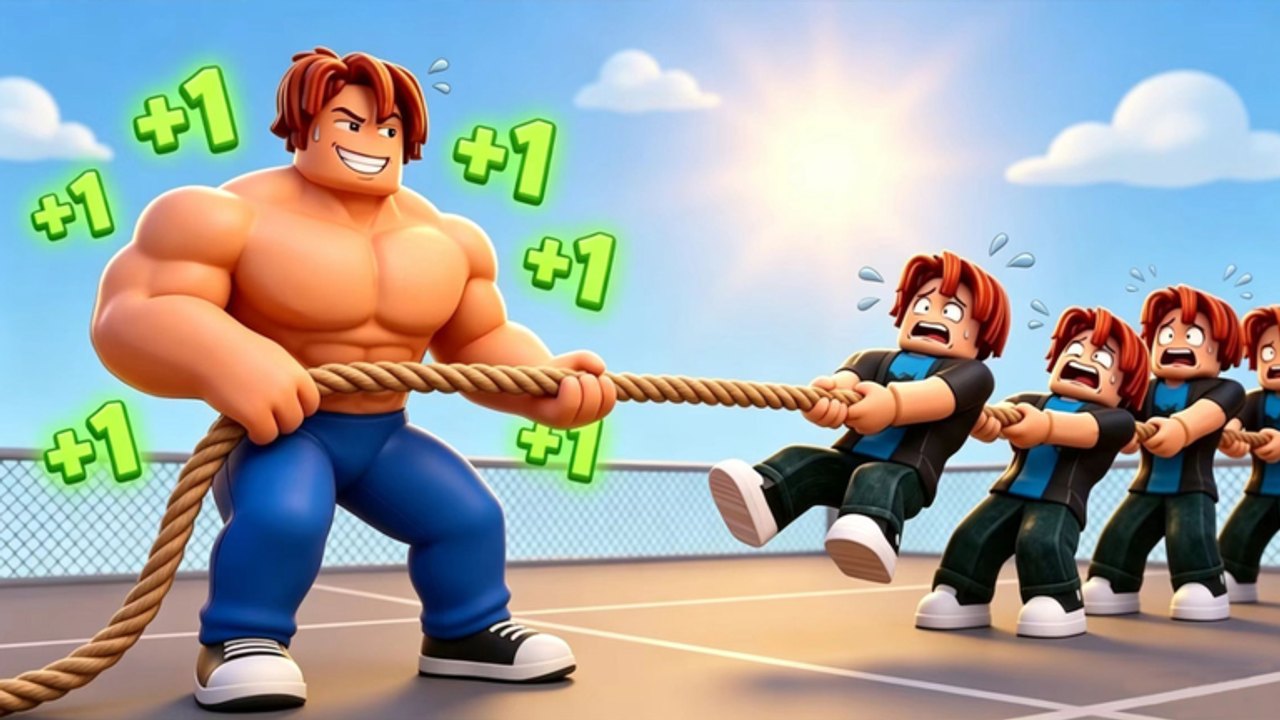
Strength to Tug of War—listed on Roblox as +1 Strength to Tug of War—is developed by Tough Guy Studio. Promo codes only work inside the official place with place ID 108271399849960. If you joined from a search result with a similar title but a different creator, stop and relaunch from that link.
Also check our Codes hub first. At the time this guide was written, there are no active public codes. This page teaches the redemption process so you are ready the moment Tough Guy Studio publishes a reward string—usually around Saturday weekly updates.
What you need
You do not need Roblox Premium to redeem codes, but you do need:
- A Roblox account that can join experiences
- The correct game open (Tough Guy Studio, not a copycat)
- The exact code text from an official source—game description, group post, or verified update note
- A stable connection; failed redemptions sometimes happen on laggy mobile sessions
Avoid third-party “code generators.” They do not create real Roblox codes and often lead to scam sites.
Step-by-step: redeem on PC
- Open Roblox on desktop or the web client and sign in.
- Navigate to the official game page for +1 Strength to Tug of War by Tough Guy Studio.
- Click Play and wait until your character loads in the hub world.
- Look for a Codes, Settings, or Gift icon on the left or top UI bar. Tough Guy Studio may rename this button after updates, but it is always a menu separate from the equipment shop.
- Click the menu and find the text box labeled for promo codes.
- Paste or type the code exactly as announced. Codes are usually case-sensitive. Do not add spaces before or after the string.
- Press Redeem, Confirm, or the equivalent button.
- Read the success message and check your stats, inventory, or currency counters for the reward.
If the UI moved after a patch, walk through the menus once after each Saturday update so you know where the button lives.
Step-by-step: redeem on mobile
Mobile redemption is the same logic with tighter screen space:
- Open the Roblox app and search for +1 Strength to Tug of War by Tough Guy Studio.
- Tap Play and let the world finish loading.
- Tap the menu icon (often three lines or a gear) to expose Codes or Settings.
- Tap into the code field, paste carefully, and confirm.
- Watch for a popup banner. Mobile sometimes hides small text—screenshot rewards if you need proof for support.
On phones, autocorrect may change capitalization. Disable autocorrect for the code field or paste from the official announcement.
What a successful redemption looks like
When a code is valid, you should see an immediate confirmation and a visible reward. Depending on what Tough Guy Studio configured, that might be:
- Extra strength or a temporary step multiplier
- Equipment upgrade currency
- A rebirth boost token or similar progression aid
- Shop currency for cosmetics or boosts
The reward applies to the account that redeemed it, not just the current server session. Rejoin if you do not see the bonus right away; UI refresh bugs happen after big updates.
Common errors and how to fix them
”Invalid code” or “Code not found”
This usually means the string is wrong, expired, or never existed for this game. Confirm spelling, check whether the code was for another tug-of-war title, and read the Codes hub to see if we still list it as active.
”Already redeemed”
Most Roblox codes are one-time per account. You cannot claim the same promo twice. If you redeemed on an alt account, switch back to your main or accept that the bonus is tied to the alt.
”Expired”
Limited-time codes often die after a weekend event or the next Saturday patch. Follow the Updates hub for expiration notes when Tough Guy Studio announces them.
Nothing happens after confirming
Try rejoining a new server, toggling UI panels closed and open, or restarting Roblox. If the code was widely reported as working minutes ago, server lag may delay delivery.
Wrong game entirely
If redemption succeeds but you see no relevant reward, verify the creator name on the experience page. Only Tough Guy Studio’s place uses this game’s economy.
Official sources to trust
Use these channels—not random repost blogs—as your source of truth:
- The description on the official Roblox game page
- Tough Guy Studio group posts and announcements
- In-game boards or event NPCs after Saturday updates
- This wiki’s Codes hub and Updates hub after we verify redemptions
YouTube videos can help visually, but only follow codes shown working on the correct place ID. Our Getting Started guide links the core loop if you are new and waiting for the first promo drop.
After you redeem: spend rewards wisely
When codes return, treat bonuses as accelerators—not replacements—for normal progression. A strength boost helps most when you already have solid equipment and understand rebirth timing from our Rebirth guide. Dumping a multiplier into a run you plan to reset immediately wastes value.
If a code grants currency, compare shop prices against your next equipment milestone in How to Get Stronger. Permanent step gains usually beat short cosmetic purchases early on.
Stay ready for the next code drop
Tough Guy Studio’s weekly Saturday updates are the best time to recheck this page. Set a reminder, skim patch notes, and try any newly announced string once—per account—using the steps above. Until then, keep stepping, upgrading, and pushing tug-of-war wins using the Guides hub so you are ahead when the next promo lands.
Frequently Asked Questions
Quick answers players look up before every session.
Where is the codes button in Strength to Tug of War?
Look for a Codes, Settings, or Gift icon on the main UI after you load into the game. The exact label can shift after Saturday updates, but it is always a menu with a text field for promo strings.
Why does my code say invalid when I copied it correctly?
The code may be expired, fake, or meant for a different Roblox game such as Tug of War Simulator. Confirm you are on Tough Guy Studio's official place and that the code was announced on an official channel.
Can I redeem codes on mobile?
Yes. Join the official game in the Roblox app, open the codes menu, paste the string carefully, and confirm. Watch for autocorrect changing letters in the code field.
Do codes work after rebirth?
Account-wide rewards from codes typically persist through rebirth, but temporary boosts may behave like other timed buffs. Read the redemption message to see whether the bonus is permanent or timed.
Are there codes available right now?
No active public codes are confirmed at this time. Use this guide when Tough Guy Studio publishes new rewards, and check the Codes hub for the live list.